Product
Introducing Popup Upsell
The moment a shopper adds to cart is the highest intent they'll ever have. Popup Upsell captures it and turns single-item orders into bigger baskets, without sending shoppers anywhere.
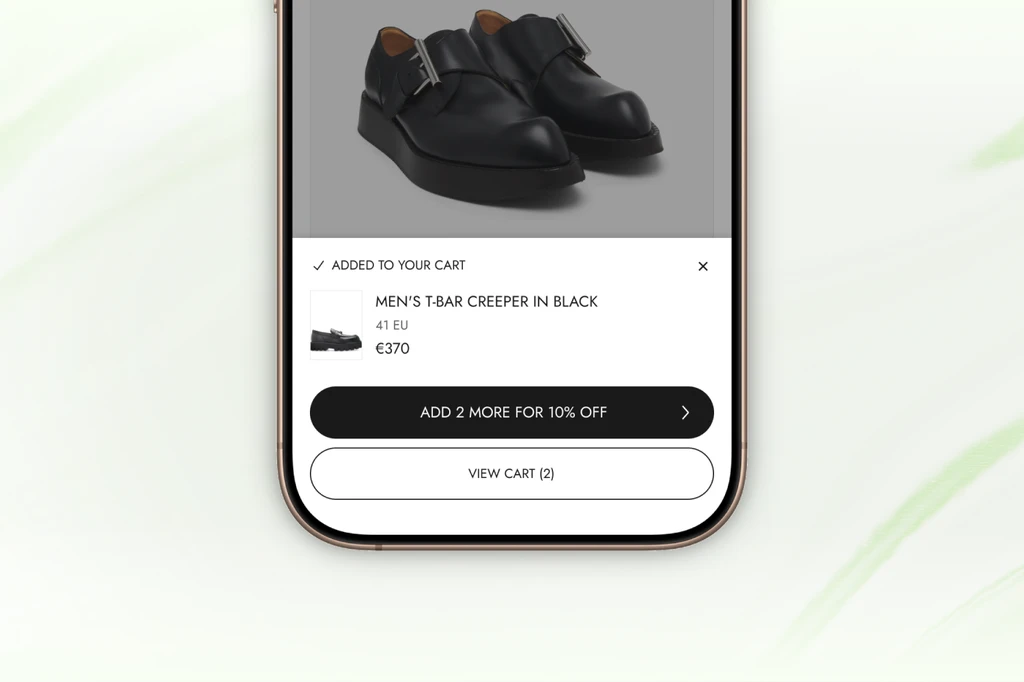
There is a moment in every shopping session where a customer is as ready to buy as they will ever be. It lasts about three seconds.
It is the moment they tap “Add to cart.”
They have already evaluated the product. They have already made the decision. Their wallet is open. And most stores respond by showing them… a cart drawer with a subtotal.
That is the missed opportunity.
The problem with how bundle deals work today
Bundle discounts are one of the most reliable ways to increase order value. Buy 2, get 15% off. Buy 3, get 30% off. Shoppers like them. Merchants benefit from them.
The problem is getting shoppers to actually use them.
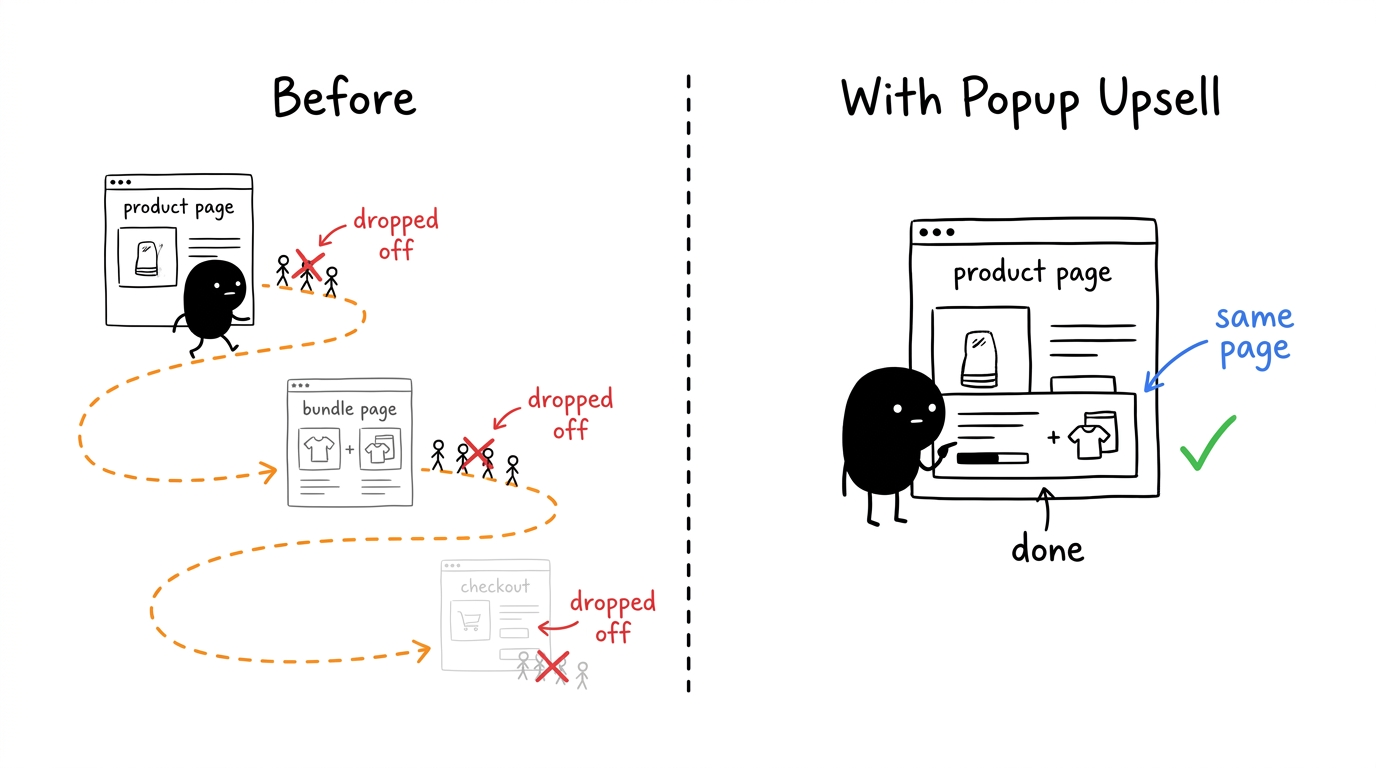
The standard approach sends shoppers to a dedicated bundle page. From a product page, they see something like “Buy in a bundle and save,” they click it, they land on a new page, they browse, they add items, they navigate back to checkout.
That is a lot of steps. On mobile, where most shoppers are, each extra step loses a percentage of them. Attention is short. Friction is expensive.
Most shoppers who saw the bundle offer never complete it, not because they did not want the deal, but because the path was too long.
Capture it at the right moment
Popup Upsell works differently. It meets shoppers exactly where they already are, at the moment they add to cart, and brings the bundle offer directly to them.
Here is what the experience looks like:
- A shopper adds a product to their cart
- Instead of jumping straight to the cart, a small popup slides up on the same page, confirming the item was added
- Right below the confirmation, they see the bundle offer: “Add one more to unlock 15% off”
- They tap it, and the full Bundle Builder opens inline, on the same page, no redirect
- They browse the product grid, see the progress bar tracking their bundle, add what they want, and keep shopping
No new page. No back button. No broken flow.
Why the timing matters
The add-to-cart moment is different from any other point in a shopping session. The shopper has already committed to a purchase. They are not browsing anymore. They are buying.
Showing a bundle deal at that exact moment, while that buying intent is still active, is very different from showing it on a product page or in a post-purchase email. The intent is already there. The popup uses it.
Shoppers who complete a bundle through Popup Upsell do not feel upsold. They feel like they got a deal at the right time.
Who it is built for
Popup Upsell works best for stores where customers naturally buy more than one thing. Think:
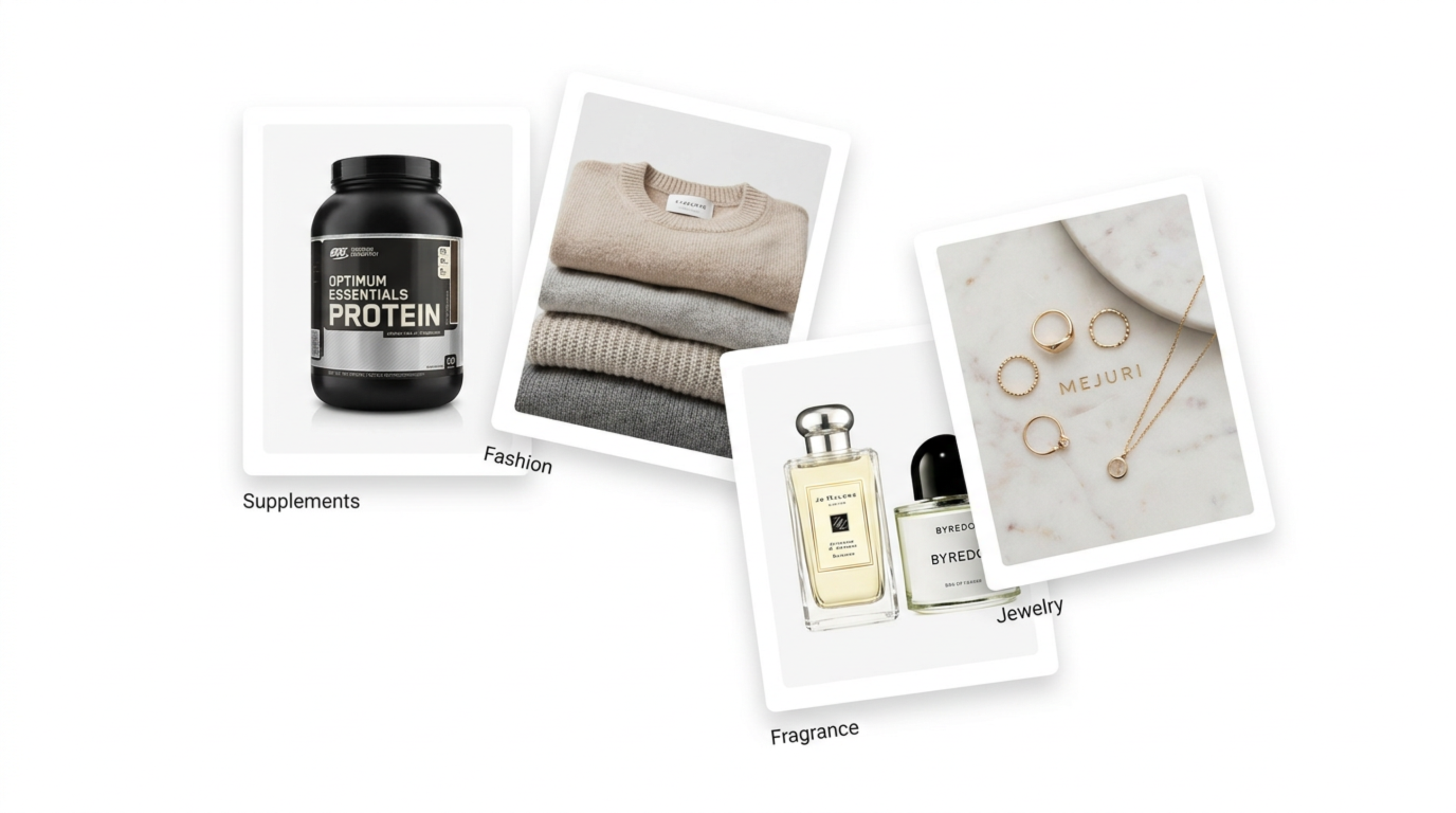
- Supplements and wellness: protein, vitamins, pre-workout. Customers stock up.
- Fashion and basics: socks, activewear, everyday pieces. Repeat items in different colors or sizes.
- Fragrance: layering scents, gift sets.
- Everyday jewelry: stackable rings, multiple pairs, mix-and-match sets.
If your average customer ever buys two or three of the same category in one session, Popup Upsell is built for your store.
Setup takes about two minutes
You do not need to configure anything new from scratch. If you are already running a Bundle Builder offer in Upnova, the setup is:
- Go to Upnova
- Create a new Popup Upsell
- Select the same collections you set up in your Bundle Builder
- Save and publish
That is it. The widget handles the rest.
Try it in Upnova
Popup Upsell is available on Pro and Pro+ plans. If you have a Bundle Builder offer running, you can have it live today.
If you are not yet using Bundle Builder, that is where to start. Set up your bundle tiers first, then layer Popup Upsell on top. The two features are designed to work together.

14-day AOV growth guarantee
Ready to test your Shopify store offer for Black Friday?
Built from your store's data.
Read next
More from the blog
-
 Growth
 3 BFCM Offer Types That Grow Your Average Order Value, Not Decrease It
The three data-driven upsell offers Shopify merchants run for Black Friday: free gift tiers, a bundle builder, and an order-volume progress bar.
Read more - Guide
Best Shopify Upsell Apps for 2026, Ranked by AOV Impact
We ranked 13 Shopify upsell apps by verified AOV impact, not install counts. Find the right app for your funnel leak: PDP bundles, cart drawer, or post-purchase.
Read more -
 Product
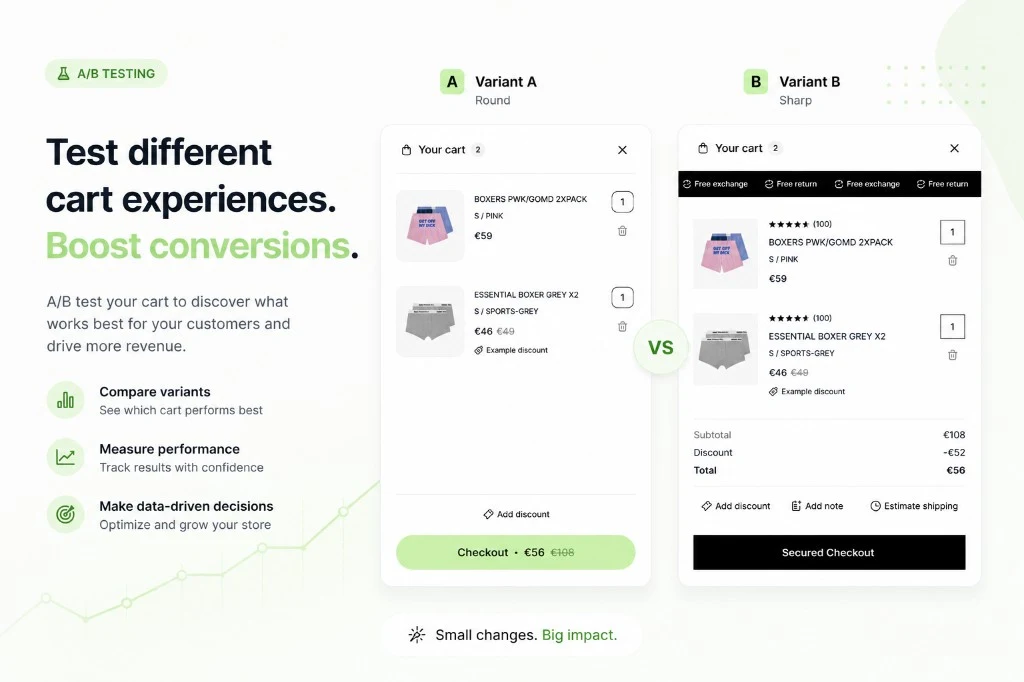
 Cart Experiments: A/B test your Shopify cart drawer at scale
Run A/B tests on your Shopify cart drawer and see which version drives more orders and higher AOV. Pick a winner and roll it out in one click.
Read more